Settings
Open Settings from the menu bar: Edit > Settings or use the keyboard shortcut.
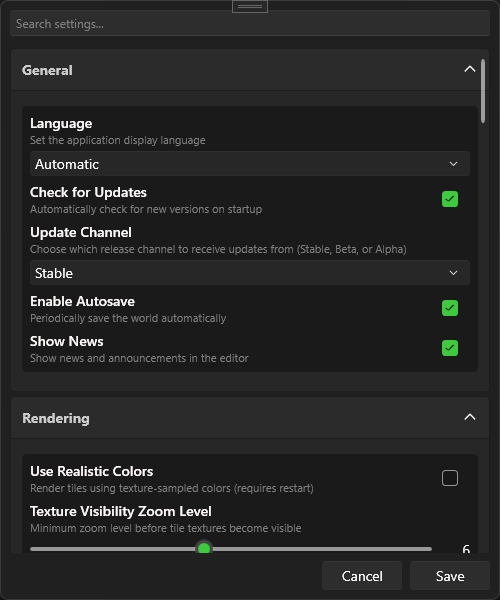
TEdit 5 features a completely redesigned settings window with search and categorized sections.
Using Settings
- Search — Type in the search bar to find any setting by name
- Categories — Settings are grouped into expandable sections
- Save / Cancel — Apply or discard changes
Categories
General
General application behavior and update preferences.
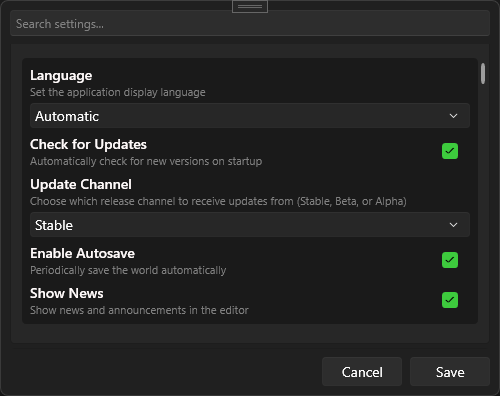
| Setting | Description |
|---|---|
| Autosave | Automatically save periodically |
| Check Updates | Check for new versions on startup |
| Update Channel | Stable, Beta, or Alpha releases |
| Language | UI language (see Localization) |
Privacy & Paths
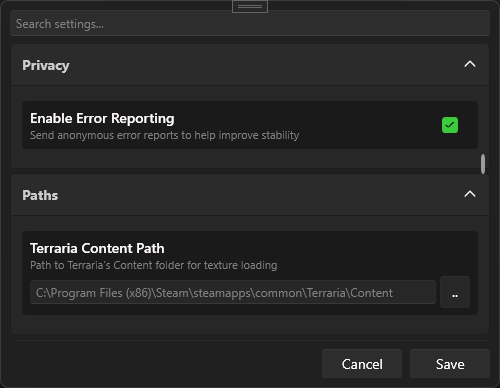
| Setting | Description |
|---|---|
| Error Reporting | Send anonymous crash and error reports to help improve TEdit. No personal data or world content is included — only stack traces and basic system info. |
| Terraria Path | Path to Terraria content files (for sprite rendering) |
info
Error reporting is opt-in. You can disable it at any time. Reports are used solely to identify and fix bugs.
Rendering & Layers
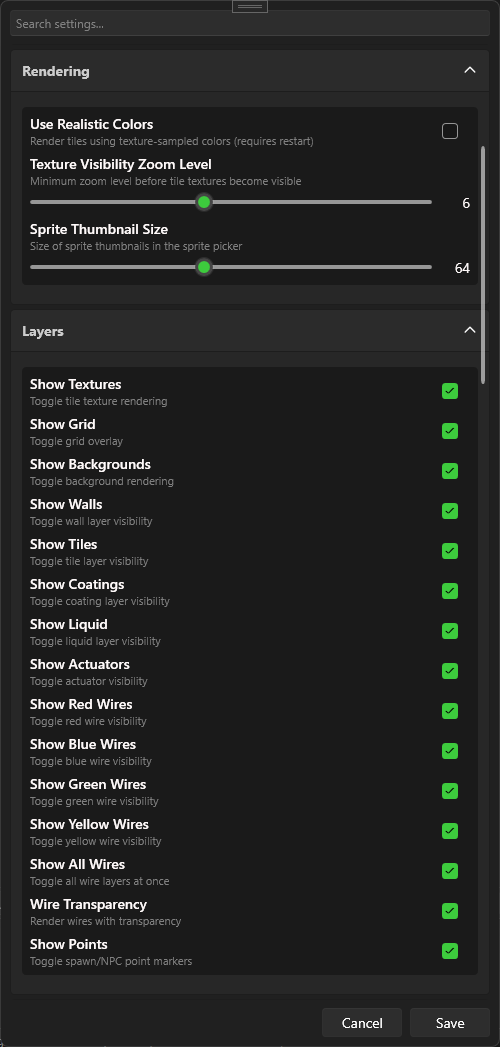
| Setting | Description |
|---|---|
| Realistic Colors | Use realistic tile colors instead of map colors |
| Texture Visibility Zoom | Zoom level at which sprite textures appear |
| Sprite Thumbnail Size | Size of sprite previews in the sidebar |