Scripting
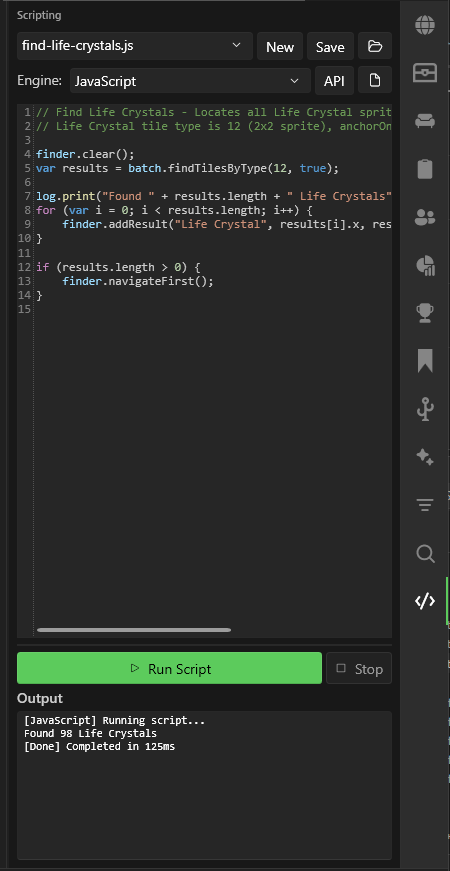
The Scripting panel lets you write and run JavaScript or Lua scripts to automate world edits.
Getting Started
- Open the Scripting sidebar panel
- Select an engine: JavaScript or Lua
- Write your script in the code editor
- Click Run to execute
The output log at the bottom shows print() output, warnings, and errors.
Script Management
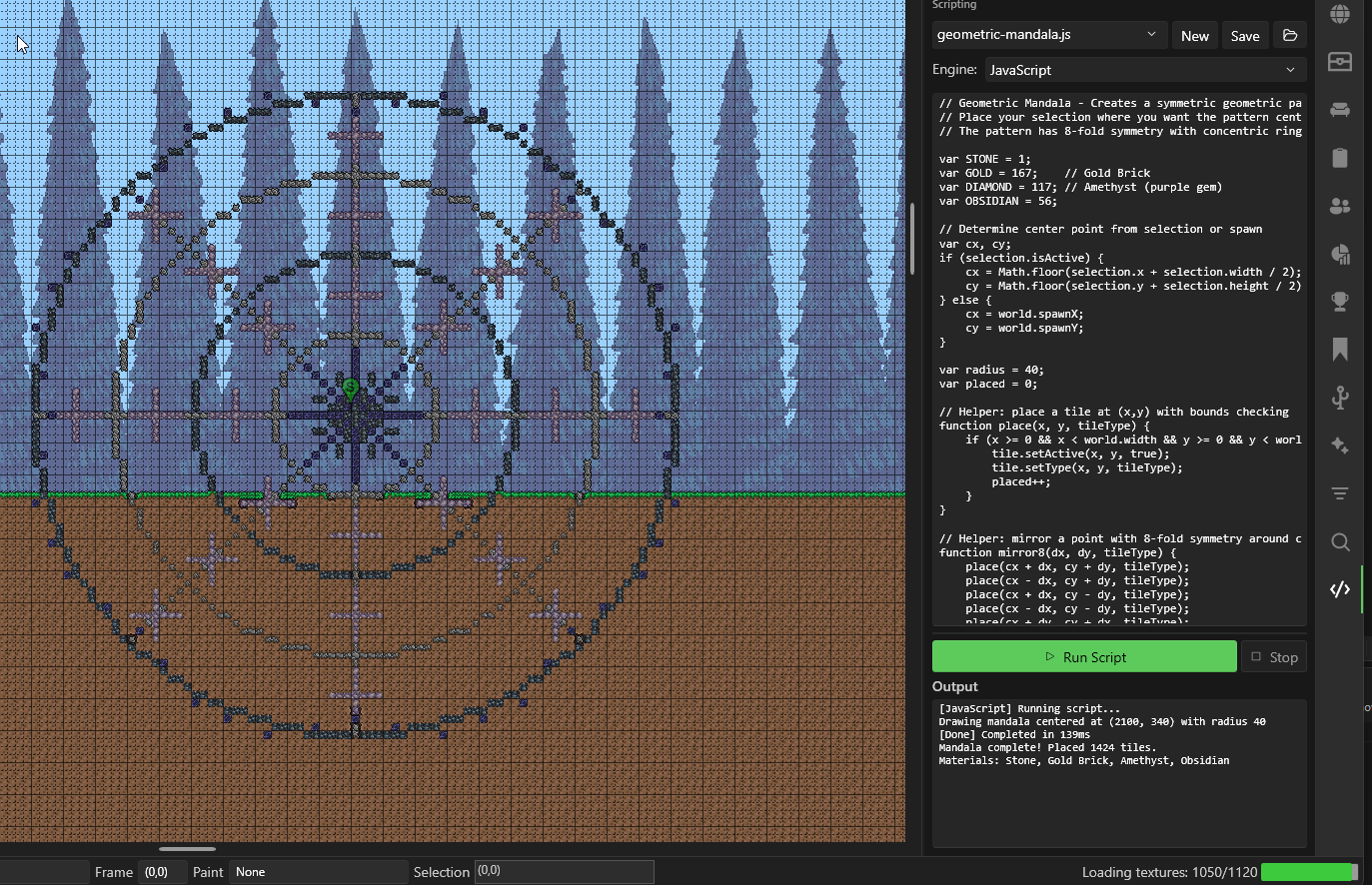
- New — Create a new script
- Save — Save the current script to disk
- Open Folder — Open the scripts directory in Explorer
- Use the dropdown to switch between saved scripts
Quick Example
Replace all dirt blocks with stone in the current selection:
const sel = selection;
if (!sel.isActive) { log.error("No selection active!"); }

batch.forEachTile(sel.x, sel.y, sel.width, sel.height, (x, y) => {
  if (tile.getTileType(x, y) === metadata.tileId("Dirt Block")) {
    tile.setType(x, y, metadata.tileId("Stone Block"));
  }
});
log.print("Done!");
For the full scripting API and more examples, see the Scripting Guide.