Filter
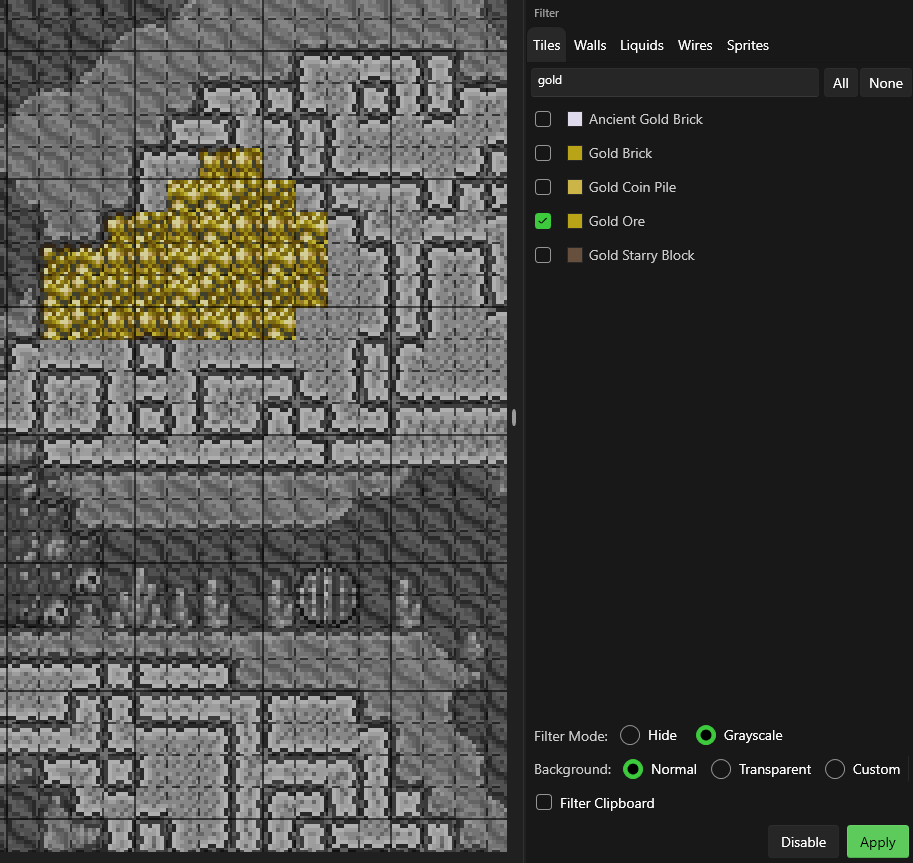
The Filter panel lets you hide or dim specific tile types so you can focus on what you're editing.
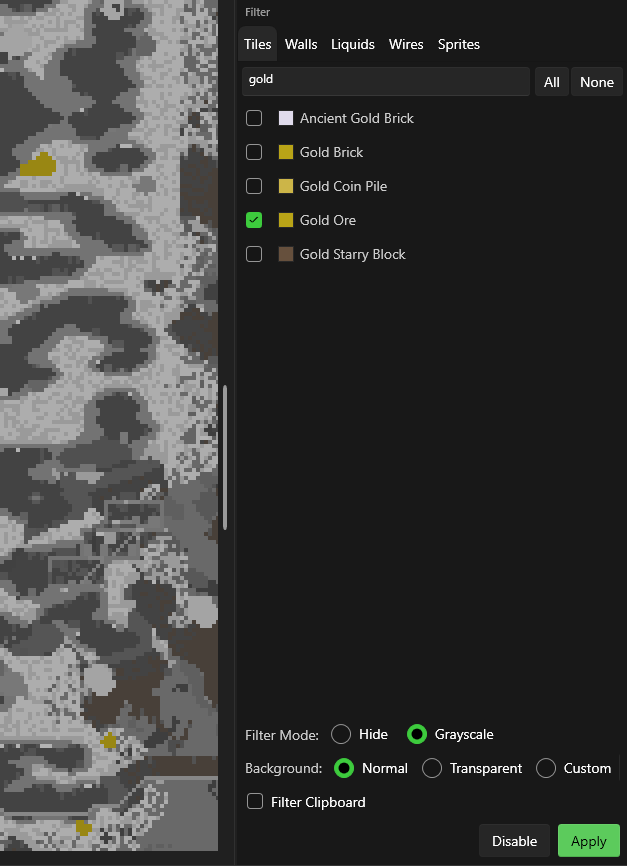
Filter Modes
| Mode | Effect |
|---|---|
| Hide | Selected types become invisible |
| Grayscale | Selected types render in gray, making unfiltered tiles stand out |
Background Modes
Control the map background appearance while filtering:
| Mode | Effect |
|---|---|
| Normal | Standard background |
| Transparent | See-through background |
| Custom | Pick a custom background color |
Filter Tabs
Select which layer types to filter:
- Tiles — Filter specific tile types
- Walls — Filter wall types
- Liquids — Filter water, lava, honey, shimmer
- Wires — Filter wire colors
- Sprites — Filter furniture and decorations
Usage
- Choose a Filter Mode (Hide or Grayscale)
- Select a Background Mode
- Check the items you want to filter in the tabs
- Click Apply
- Click Disable to restore normal view
tip
Filter Clipboard — When enabled, clipboard paste previews also respect the active filters.