Clipboard
The clipboard stores copied map sections as schematics. Use it to duplicate builds, import community creations, or save your work as reusable templates.
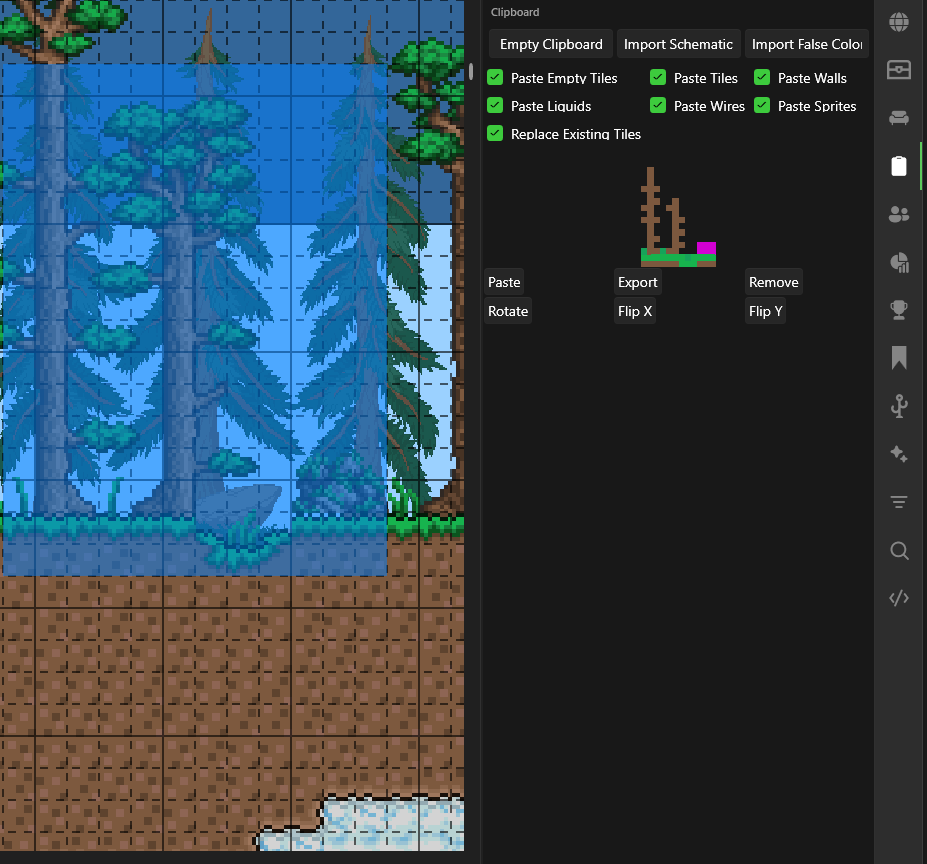
Quick Reference
| Action | Shortcut |
|---|---|
| Copy selection | Ctrl+C |
| Paste last copied | Ctrl+V |
| Place while pasting | Right-click on map |
Copying
- Use the Selection tool to select an area
- Press
Ctrl+C— the selection appears in the clipboard
Pasting
- Click Paste on a schematic, or press
Ctrl+V - Move the cursor to position it
- Right-click to place it on the map
tip
Ctrl+V pastes the most recent schematic. Click Paste on a specific schematic to switch which one Ctrl+V uses.
Import / Export
- Import Schematic — Load
.TEditSchfiles from disk - Export — Save a schematic as a
.TEditSchfile to share or reuse later - Remove — Delete a single schematic from the clipboard
- Empty Clipboard — Clear all loaded schematics