Sprites
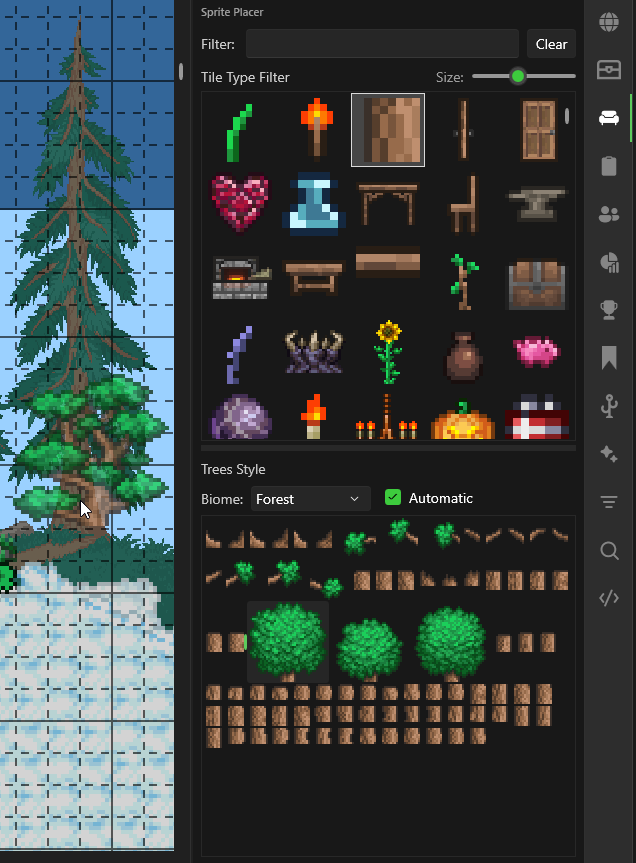
The Sprites panel lets you browse and place furniture, decorations, and other multi-tile objects.
How to Use
- Select the Sprite tool from the toolbar (
T) - Open the Sprites sidebar panel
- Pick a tile type from the dropdown (e.g., Chairs, Tables, Torches)
- Use the filter box to search by name
- Select a style from the grid
- Left-click on the map to place it
Drawing Sprites
- Single sprites — Left-click to place one at a time
- 1x1 sprites (grasses, platforms) — Click and drag to draw in strokes, just like the Pencil tool. Supports horizontal (right-click drag) and vertical (left+right drag) line drawing.
Banners & Bestiary
Additional browsing panels for banners and bestiary data: