Special Tiles
Right-click on special tiles with the Arrow tool to open their editor in the sidebar.
Chest Editor
Edit chest contents — add, remove, and rearrange items. Each slot shows the item name, stack size, and prefix.

Clear All — The Clear All button removes all items from every slot in the chest at once. Use this to quickly empty a chest before filling it with new items.
Sign Editor
Edit the text content of signs and tombstones.
Mannequin Editor
Equip armor and vanity items on mannequins and womannequins.

Display Doll Editor
Display dolls (also called mannequins in some contexts) support pose editing in addition to equipment slots.
Right-click a display doll with the Arrow tool to open its editor. In addition to equipping armor and vanity items, you can select a pose for the doll:
- Browse available poses from the pose dropdown
- The doll's frame updates in the world view when a pose is selected
This allows you to arrange display dolls in different stances for decorative builds.
Hat Rack Editor
Set the hats displayed on hat racks.

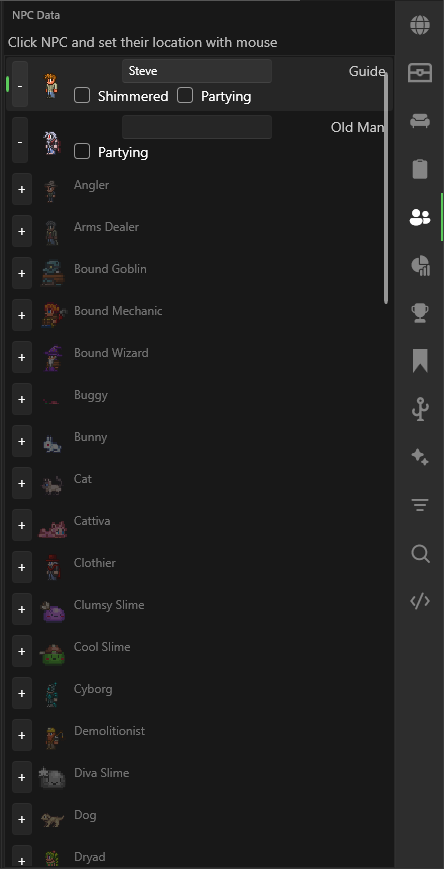
NPC Editor
View and edit NPC properties for town NPCs.
Tile Entity Debugger
Advanced view of raw tile entity data for debugging purposes.
